Quick start: Install and sign in
Prototyping a frontend first? No Docker required
If you only need an interactive, multi-role mock frontend on your machine, you only need Git, Node 22, and pnpm 10. Start from kaiwu-web-starter by following Product-first frontend & adoption and the zero-platform prompt. To run the full platform and backend stack, continue below.
Fastest way: Let your AI coding agent run it
If you use Claude Code, Codex, Cursor, or another terminal-capable coding agent, copy the setup prompt to let it verify your environment, start Kaiwu, and scaffold your first project.
1. Prerequisites
Ensure you have Git, Docker (with Compose v2), OpenSSL, and curl installed locally.
2. Clone and start Kaiwu (v0.3.0)
git clone --branch v0.3.0 --depth 1 https://github.com/kaiwuzaidao/kaiwu.git
cd kaiwu
./kaiwu doctor
KAIWU_DB_TYPE=mysql ./kaiwu up
Prefer Gitee? Replace the URL with
https://gitee.com/wujm12138/kaiwu.git../kaiwu upchecks out the runtime repositories, starts a local MySQL instance, runs migrations, and launches the platform.
Environment notes (Colima / Source build / Existing DB)
- Colima users: Clone into a directory shared with the VM so containers can read bind-mounted files.
- Images & source builds: Release tags pull
amd64 / arm64images from GHCR and fall back to building from source if pulling fails. Pass--buildto force a source build. - Existing MySQL / DM8 or parallel stacks: See Operations & troubleshooting.
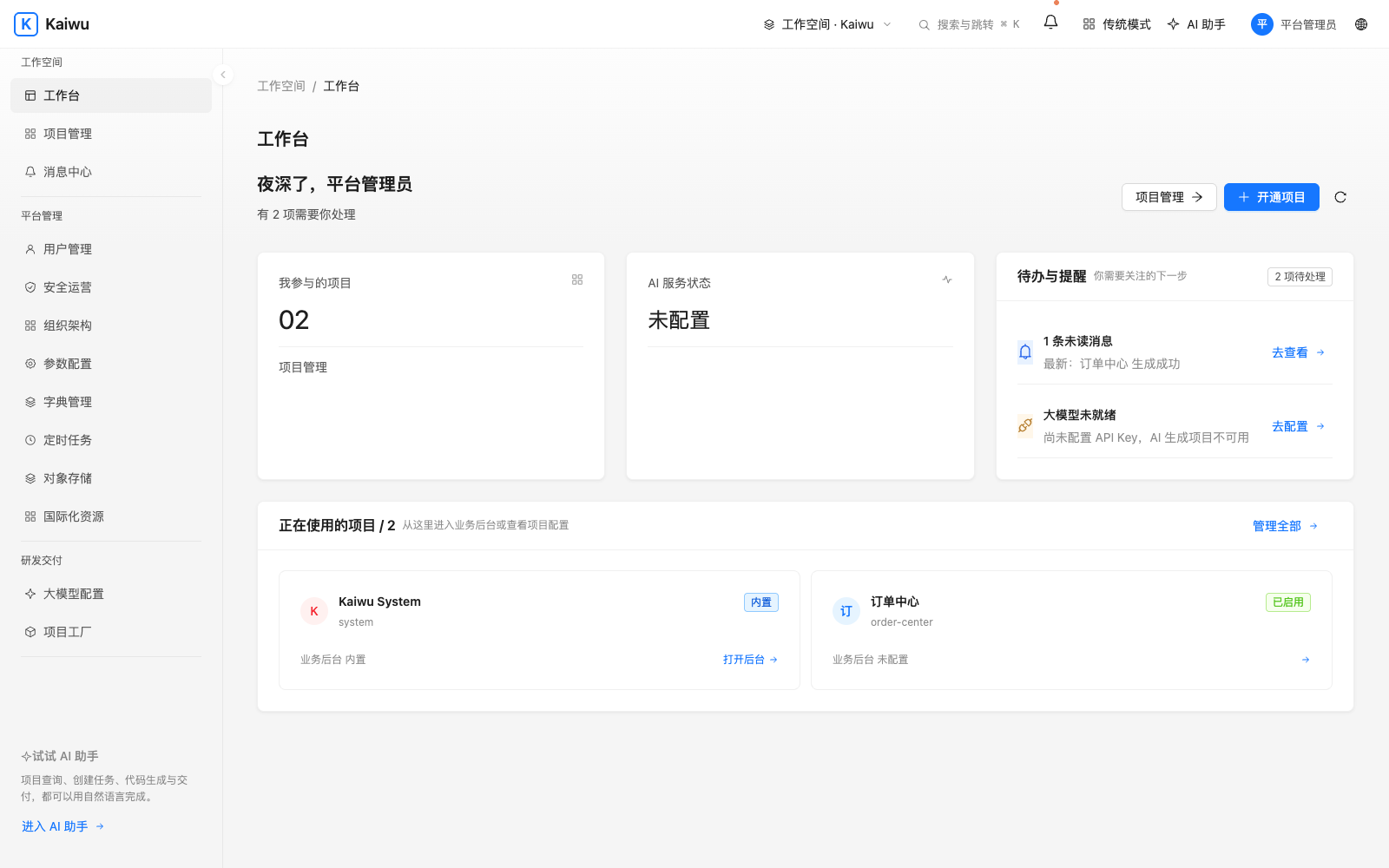
3. Sign in and verify
Open http://127.0.0.1:8000 in your browser:
- Sign in as
adminusing the random initial password printed in your terminal, then change it when prompted. - Need to see the initial password again? Run
./kaiwu credentialsinside thekaiwudirectory (once changed, use your new password). - Verify the platform health at any time:
./kaiwu status
curl -fsS http://127.0.0.1:8088/actuator/health
Run ./kaiwu down to stop the stack; running ./kaiwu up again in the same directory reuses your existing data volumes.