Models and project actions
For a coding tool that edits Java or React, use the coding agent guide. This chapter is for administrators and backend developers exposing business queries or actions to authorized members inside the platform. The project factory can generate a scaffold independently.
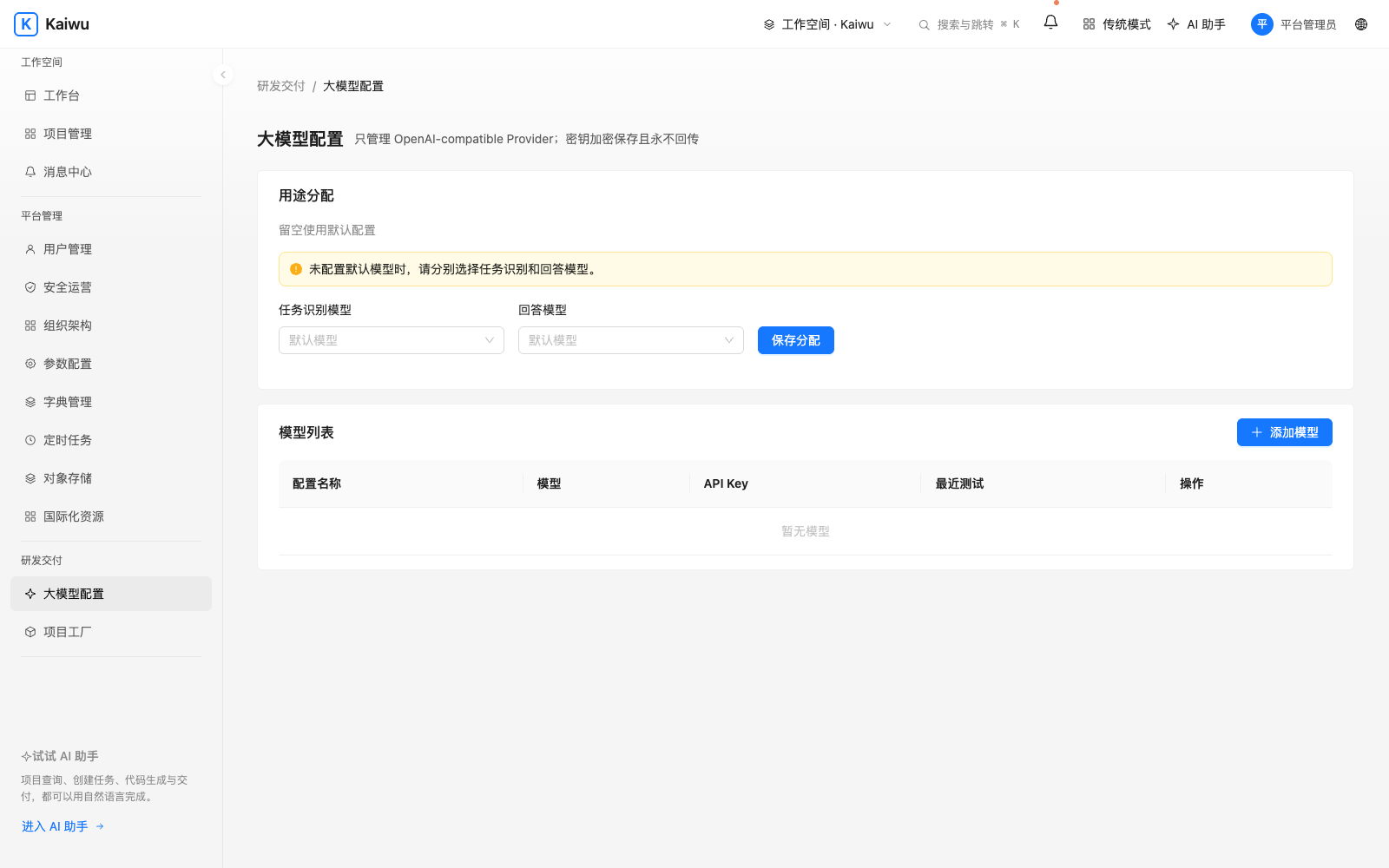
Choose planning and answer models
First have the operator configure the allowed model host and controlled egress proxy. Runtime configuration
In model configuration, add an OpenAI-compatible provider, enter its endpoint, model name and credential, save and test the connection. Assign PLAN (recognition and planning) and ANSWER (response generation). Both may use the same configuration. An unbound purpose uses the existing default when available. After changing the endpoint, update the credential and retest. Check both stages with a question whose answer is known. Model routing rules
Let the assistant look up an order
Declare a fixed capability in the backend, such as looking up status by order number. Specify its code, version, inputs, output fields and existing permission. Call the domain query through a typed read adapter, check membership and row scope, and return only declared fields. Register the version and obtain approval on the platform. Query as an authorized member and check denial for an unauthorized one. Capability declaration · Typed reads
Confirm a write operation
Implement preview and execution separately with TypedAgentWrite. A preview shows the target order and fields and freezes preconditions such as its version. After confirmation, recheck ownership, state and version inside the business transaction. Use the runtime execution ledger for retries. Test cancellation, an order changed after preview, a successful write and duplicate submission. Keep business audit records and redact the handoff. Typed write contract and example