Platform administration
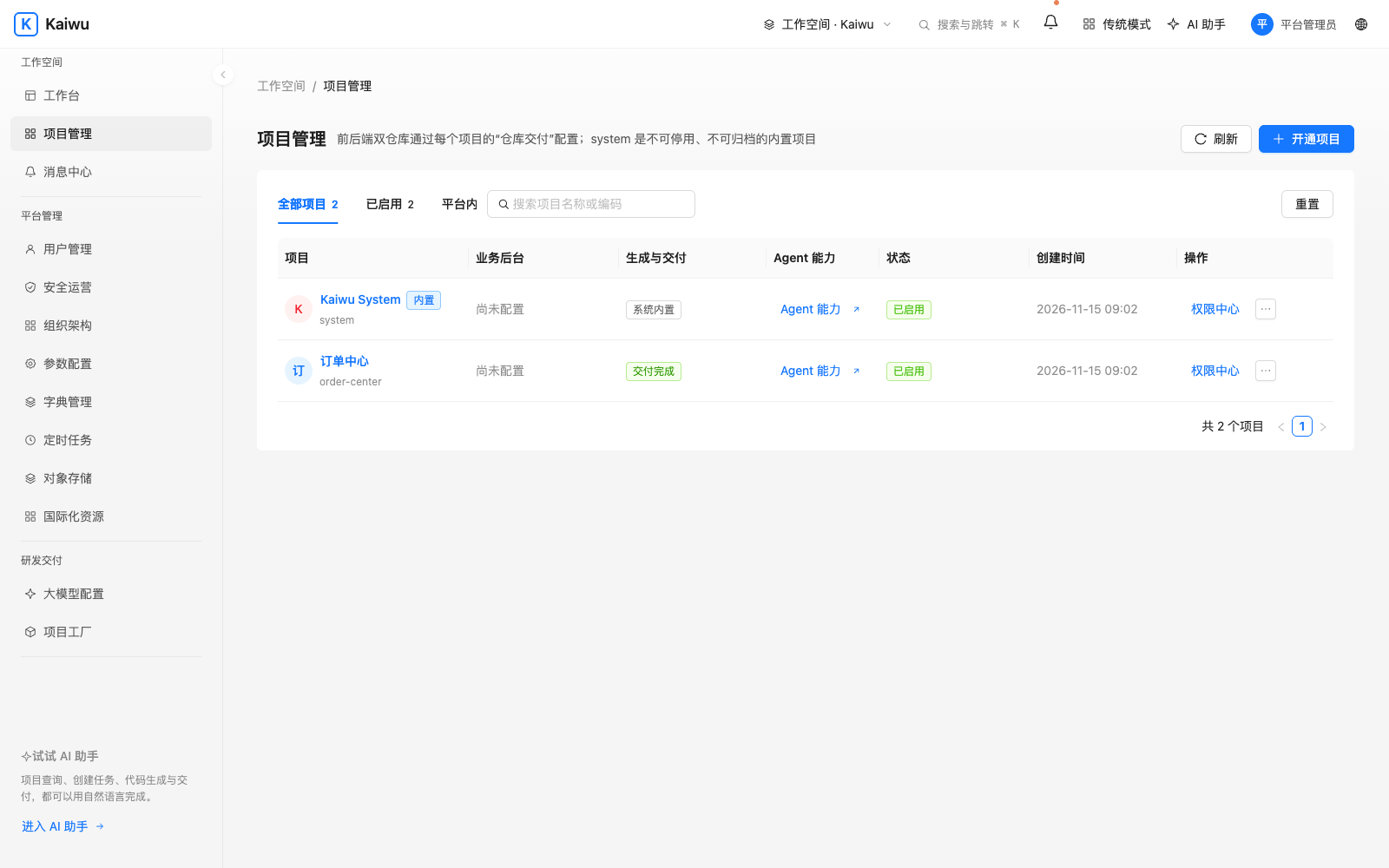
Choose a project from the workbench after signing in. Members find their project entries, to-dos and messages here. Administrators can register projects, manage access and investigate runtime issues. If a menu is missing, check the identity, current project and role first.
| Task | Procedure | Verify |
|---|---|---|
| Open a business project | Register its name and unique code in Projects—or run project adopt on an existing product frontend—then inspect Project Factory | Download both ZIPs for new scaffolds, or the companion backend ZIP for ADOPT_FRONTEND tasks, and open the entry from the workbench. Project walkthrough |
| Add a member | Verify the user in organization and user management, then assign a member and roles in the project permission center | Have the member sign in and check accessible projects, menus and rows. Access example |
| Update a dictionary or setting | Open the project dictionary, managed settings or translations. Preview changes to repository declarations | Refresh the page and check the label, effective value and language fallback. Sync and transfer |
| Handle a task or message | Open a workbench to-do or an inbox message | Check the open count after completion and the read state in the inbox. Integration |
| Inspect a scheduled job | Select the project in the scheduler and check the type, cron, time zone and enabled state | Inspect its last run, status and business result. Scheduling |
| Check storage or a model | Inspect the project storage binding or test the model connection and purpose binding | As a member, complete a file read or an authorized query |
| Manage sessions | Manage your account in the profile. Check the client name on device approval. Administrators inspect sessions in the security center | Revoke a specific CLI session, then check ./kaiwu whoami on that client |
For a business page that fails to open, record the project code, entry path, time and HTTP status. Then follow the request.